
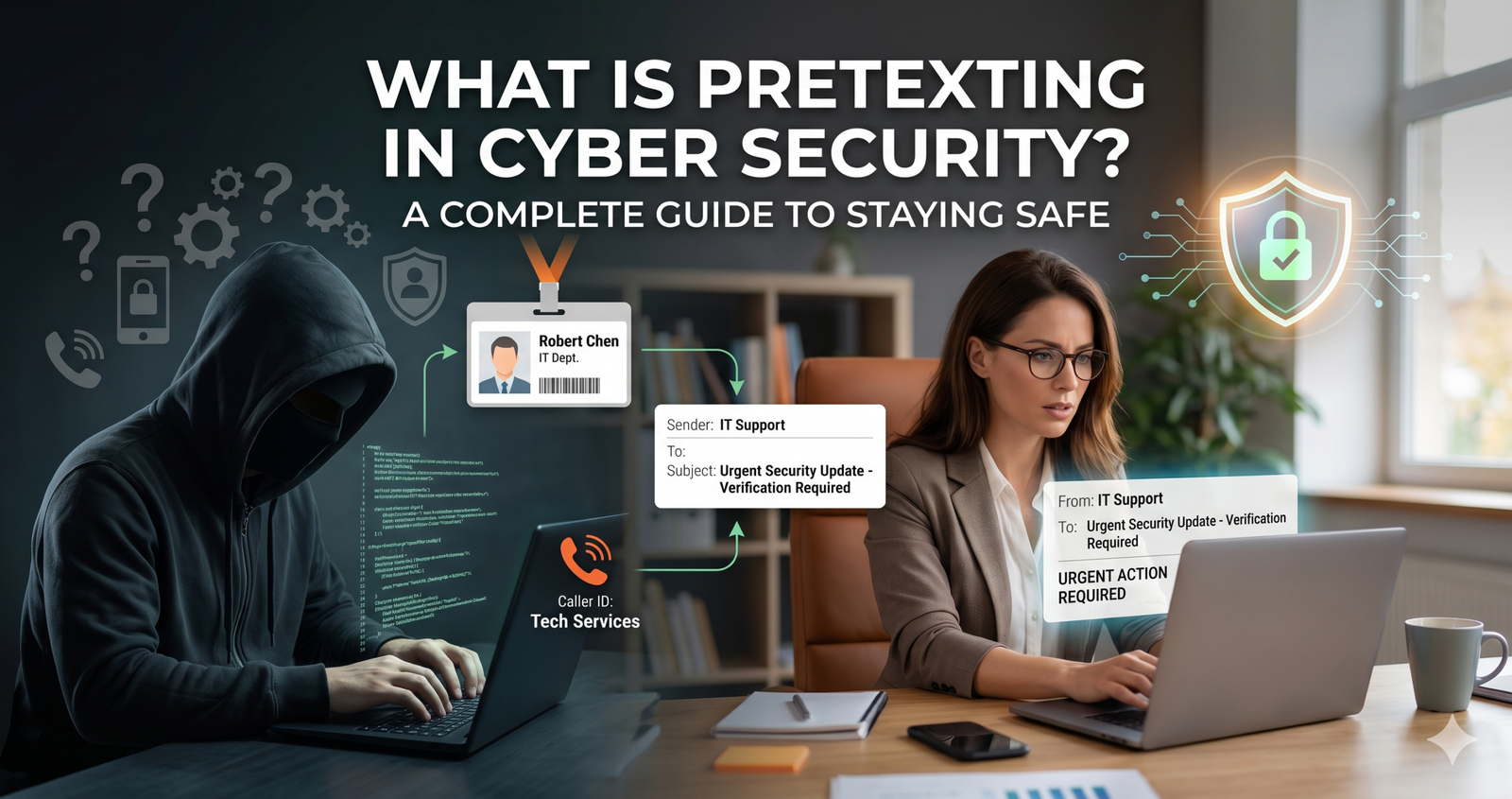
What is Pretexting in Cyber Security? A Complete Guide to Staying Safe
Have you ever received a call from someone claiming to be from your IT department, asking for a “quick verification” of your password? It sounds innocent enough, but you might have just been the target of a pretexting attack.
In my experience writing about digital threats for over a decade, I’ve seen many security trends come and go, but human deception remains the most effective tool in a hacker’s kit. What is pretexting in cyber security? At its core, it is the art of creating a fabricated scenario—a “pretext”—to steal your personal or professional information.
Unlike a random virus that attacks your computer, pretexting attacks your mind. It relies on building a sense of trust or urgency so that you willingly hand over the keys to the kingdom.
Key Takeaways
- Pretexting is a social engineering tactic where attackers create a fake identity or story to manipulate victims into giving up data.
- It differs from phishing because it usually involves a more researched, one-on-one interaction to build trust.
- Verification is your best defense. Always confirm the identity of the person asking for info through a secondary, trusted channel.
Understanding the Basics: What is Pretexting?

To understand what is pretexting in cyber security, you have to look past the code and focus on the conversation. Pretexting is a specific type of social engineering. In this scenario, the “pretexter” doesn’t just send a generic email; they research you.
They might find out where you work, who your boss is, or what software your company uses. Then, they call or message you pretending to be a colleague, a bank official, or even a police officer. Because they have those small details right, your brain naturally lets its guard down.
I remember talking to a small business owner last year who lost thousands because a “vendor” called about an “overdue invoice.” The caller knew the exact names of the owner’s partners. That’s the power of a good pretext—it feels 100% real until it isn’t.
How Pretexting Works: The Psychology of Deceit
Why does this work so well? It’s because humans are hardwired to be helpful, especially when dealing with authority figures. Hackers exploit this “helpful” instinct.
Moreover, pretexters are great actors. They don’t just ask for a password. They build a story. For example, they might say, “Hey, I’m from the security team. We noticed a weird login from China on your account. I need to verify your ID to lock it down.”
In that moment, you aren’t thinking about cyber security protocols; you’re thinking about your account being hacked. You’re scared, and the “hero” on the other end of the phone is offering a solution. That’s how they win.
Common Elements of a Pretexting Attack:
- The Persona: The attacker adopts a believable role (IT support, HR, CEO).
- The Hook: They mention a specific detail that only an “insider” should know.
- The Crisis: They create a problem that needs an immediate solution.
- The Request: They ask for sensitive data like SSNs, passwords, or bank transfers.
Pretexting vs. Phishing: What’s the Difference?
Many people use these terms interchangeably, but they aren’t the same thing. Think of phishing as a wide net thrown into the ocean—the hacker sends 10,000 emails hoping one person clicks.
Pretexting is more like spear-fishing. It’s targeted. While phishing often relies on a “click here” link, pretexting usually involves a dialogue. The attacker might talk to you over the phone (vishing) or via text (smishing) for several minutes before they ever ask for anything.
According to the Verizon Data Breach Investigations Report (DBIR), social engineering attacks (including pretexting) are involved in a massive chunk of all successful breaches. It’s a precision tool, not a blunt instrument.
Real-World Examples of Pretexting
If you think you’re too smart to fall for this, think again. Even massive tech giants have been hit.
The “Whaling” Attack
In some cases, attackers pretend to be a CEO (a tactic known as Whaling). They might email a junior accountant saying, “I’m in a meeting and need these gift cards sent to a client immediately. Don’t call me, I’m busy.” Because the “CEO” is “busy,” the employee feels pressured to comply without checking.
The IT Support Scam
This is the classic “what is pretexting in cyber security” example. An attacker calls a new employee and offers to help them set up their VPN. Since the employee is new and doesn’t know the IT staff yet, they gladly follow the attacker’s instructions, which usually involve downloading “remote access software” that is actually malware.
How to Spot a Pretexting Attempt
The good news is that pretexters almost always leave clues. You just have to know what to look for. Honestly, the best tool you have is your “gut feeling.” If something feels slightly “off,” it probably is.
- Unusual Urgency: They need it now. If you don’t act, something bad will happen.
- Requests for Secrets: Real IT departments or banks will almost never ask for your password or full SSN over the phone.
- Small Mistakes: They might get a tiny detail wrong, like your middle name or your department’s exact title.
- Over-Friendliness: They try very hard to build a rapport quickly, using your name often and acting like your best friend.
Defensive Strategies: Protecting Yourself and Your Business
Education is the first line of defense. If your team doesn’t know what is pretexting in cyber security, they can’t defend against it.
1. Implement Multi-Factor Authentication (MFA)
Even if a pretexter gets your password, MFA can stop them in their tracks. It adds a second lock to the door that requires a physical device you hold.
2. Establish “Callback” Policies
This is my favorite tip. If someone calls you claiming to be from the bank or IT, say, “Great, let me call you back on the official company line.” Then, hang up and dial the number you know is real. A scammer will try to keep you on the phone. A real professional will understand.
3. Verify the Source
Before sending any sensitive data, verify the identity of the requester. If a vendor asks for a change in payment details, call a known contact at that company to confirm. Don’t use the contact info provided in the suspicious email or call.
The Role of Training in Prevention
You can have the most expensive firewall in the world, but it won’t stop an employee from telling a “colleague” their login credentials over the phone.
In my view, monthly “bite-sized” training is better than one long annual seminar. We need to keep security at the front of people’s minds. Use real-world examples and even run “friendly” internal tests to see who might be vulnerable.
Frequently Asked Questions (FAQ)
1. Is pretexting illegal?
Yes, pretexting is illegal in many jurisdictions, especially when used to obtain financial records or private data. In the U.S., the Gramm-Leach-Bliley Act specifically prohibits pretexting to access a customer’s financial information.
2. Can antivirus software stop pretexting?
Not directly. Antivirus protects your hardware from malicious code. Pretexting is a human-to-human attack. However, some security suites can flag known scam numbers or phishing sites that pretexters might use.
3. What should I do if I think I’ve been a victim?
Immediately change your passwords, notify your IT or security department, and monitor your financial accounts for suspicious activity. If it happened at work, follow your company’s incident response plan.
4. Why is pretexting called “social engineering”?
It’s called social engineering because the attacker is “engineering” a social situation to get a specific result. They are hacking the human, not the machine.
5. Who is the most common target for pretexting?
Human Resources, Finance departments, and new employees are common targets because they handle sensitive data or may not yet be familiar with all company faces and voices.
Conclusion: Staying One Step Ahead
So, what is pretexting in cyber security? It’s a reminder that our greatest vulnerability isn’t our software—it’s our trust. While being a helpful person is a great trait, in the digital world, we must adopt a “Trust but Verify” mindset.
Don’t let the technical jargon scare you. If you stay alert, question unusual requests, and use tools like MFA, you’re already ahead of most attackers. Security is a team sport, and staying informed is your best play.
Have you ever encountered a suspicious call that felt like a setup? Let’s talk about it in the comments below—your story might help someone else stay safe!


