
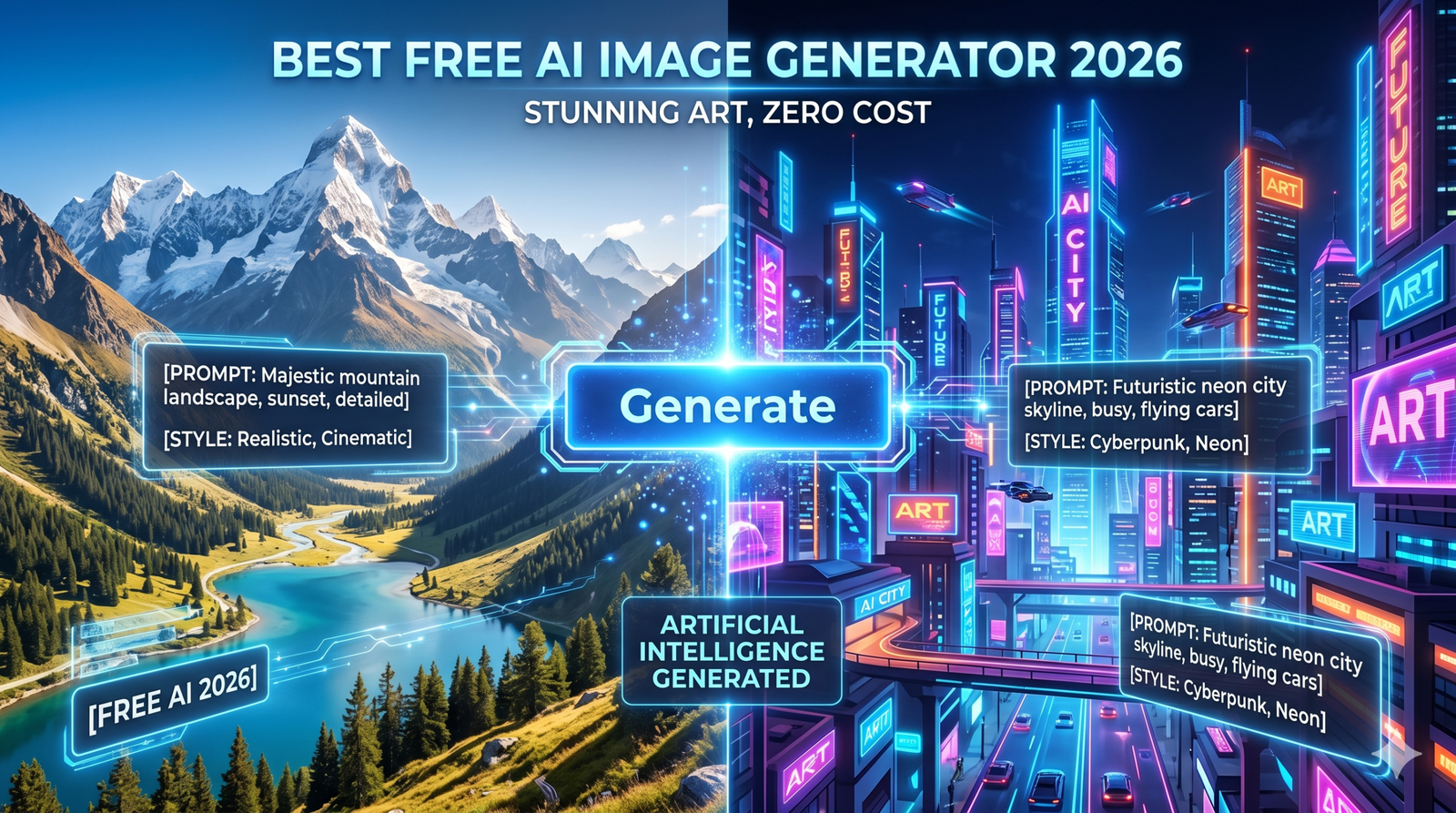
If you’ve tried to create AI art lately, you know the “honeymoon phase” of free trials is mostly over. It’s 2026, and while the tech has become mind-blowingly good, many of the big names have locked their best features behind steep monthly subscriptions.
In my experience writing about generative AI for over a decade, I’ve seen tools come and go, but the demand for a truly high-quality, best free AI image generator 2026 has never been higher. Whether you’re a small business owner needing social media posts or just a hobbyist wanting to see a cat in a space suit, you shouldn’t have to empty your wallet to get a decent result.
I’ve spent the last month stress-testing every “free” tool on the market. Honestly, some are just credit-hungry traps, but a few gems are still giving away incredible power for zero dollars.
Quick Summary: The Best Free AI Image Generators at a Glance
- Best for Designers: Canva AI 2.0 – Unbeatable for layered, editable designs.
- Best for Ease of Use: Microsoft Designer – Completely free with a Microsoft account and very intuitive.
- Best for Realism: Stable Diffusion (via Hugging Face) – Open-source power without the price tag.
- Best for Creativity: NightCafe – A great community-driven tool with a generous daily credit system.
The Evolution of Free AI Art in 2026
The landscape has shifted. A few years ago, we were happy if an AI could generate a hand with five fingers. Today, the best free AI image generator 2026 can handle complex text, perfect lighting, and even multi-layered files.
However, “free” usually comes with a catch. Most platforms now use a credit-based system. You might get 15 to 50 “fast” generations a day, or you might have to wait in a longer queue. In my view, the trade-off is worth it if the quality is high enough. According to researchers at the Stanford Institute for Human-Centered AI (HAI), the rapid advancement of diffusion models has democratized high-end graphic design, allowing small creators to compete with major agencies.
In my experience, the leap from a “decent” AI image to a “jaw-dropping” one isn’t about the tool you use—it’s about how you talk to it. By 2026, AI models have become much better at understanding natural language, but they still thrive on structure and intent.
Think of yourself as a creative director, not just a person typing in a search bar. Here is the framework I use to get perfect results on the first try.
The “Golden Framework” for a Perfect Prompt
A pro-level prompt in 2026 follows a specific hierarchy. The earlier a word appears, the more “weight” the AI gives it.
| Element | What to Include | Example |
| 1. Medium/Style | What kind of “art” is this? | Editorial photography, oil painting, 3D render… |
| 2. Subject | Who or what is the focus? | A futuristic cybernetic tiger… |
| 3. Action/Pose | What is the subject doing? | …pouncing through a digital rainstorm… |
| 4. Setting | Where are they? | …in a neon-lit Tokyo alleyway at night… |
| 5. Lighting/Mood | What is the “vibe”? | …cinematic lighting, moody blue and purple hues… |
| 6. Camera/Technical | Specific technical details. | …shot on 35mm lens, f/1.8, shallow depth of field. |
3 Pro Tips to Level Up Your Images
1. Use “Natural Text” Instead of Keyword Soup
Back in 2023, we used to type: “cat, space, stars, 8k, hyperrealistic.” In 2026, the best free AI image generators prefer descriptive sentences.
Better Prompt: “A fluffy ginger cat wearing a detailed NASA spacesuit, floating peacefully inside a high-tech space station while looking out a circular window at the glowing Earth below.”
2. Control the Lighting Like a Photographer
Lighting is the secret sauce for realism. Don’t just say “bright.” Be specific about the source and quality:
- Golden Hour: Soft, warm, directional light.
- Volumetric Lighting: Think “god rays” through a window or forest.
- Rim Lighting: Light hitting the edges of a subject to make them “pop” from the background.
3. The “Reverse Prompt” Hack
Honestly, sometimes the AI knows itself better than we do. If you have an image you love, upload it to a tool like Canva AI or ChatGPT and ask: “What prompt would generate an image exactly like this one?” You can then copy that structure for your next creation.
Prompting “Don’ts” to Avoid
- Avoid Vague Words: Words like “good,” “beautiful,” or “amazing” mean nothing to a machine. Use “intricate,” “vibrant,” or “symmetrical” instead.
- Watch the Negatives: If you don’t want something (like “no text” or “no blur”), many 2026 tools have a dedicated “Negative Prompt” box. Use it!
- Don’t Over-Describe: If you give the AI 50 different instructions, it will start to ignore the ones at the end. Stick to 3–5 high-impact details.
Quick Example for You to Try:
“An editorial fashion photo of a model wearing a gown made of flowing liquid gold, standing in a minimalist white marble hall, soft natural sunlight, high contrast, sharp focus on fabric texture.”
I’ve personally found that the more you treat the AI like a talented (but slightly literal) intern, the better your results will be. Do you have a specific style of image you’re trying to create right now?
1. Microsoft Designer (formerly Bing Image Creator)
Microsoft remains the king of accessibility. Because it’s integrated with their ecosystem, it stays at the top of the list for the best free AI image generator 2026.
Why it’s a Winner
Microsoft Designer uses a customized version of the latest DALL-E models. It’s fast, understands natural language incredibly well, and—most importantly—it’s genuinely free. You get “boosts” that refresh daily, and even when you run out, it still works; it just takes a bit longer.
The User Experience
I personally use this when I need a quick hero image for a blog post. I once prompted it for a “cyberpunk bakery with neon croissants,” and it nailed the lighting on the first try. It’s perfect if you don’t want to mess around with complex settings like “sampling steps” or “CFG scales.”
2. Canva AI 2.0: The Designer’s Choice
Canva recently launched its 2.0 update, and it’s a total game-changer for the best free AI image generator 2026 category.
Layered Intelligence
Unlike older models that give you a flat “dead” image, Canva’s new AI generates editable layers. If you don’t like the background, you can just click and delete it while keeping the main subject. This level of control was unheard of in free tools just a year ago.
- Pros: Incredible for marketing and social media; includes “Magic Edit” features.
- Cons: Some of the most advanced “Pro” models require a subscription, but the basic free generator is very capable.
3. Stable Diffusion (Open-Source Power)
If you are a tech-savvy creator, Stable Diffusion is your best friend. Since it’s open-source, several websites host it for free.
The Freedom of Open Source
Platforms like Hugging Face or Civitai allow you to use Stable Diffusion models without paying a cent. Because it isn’t owned by a single corporation like Google or Adobe, there are fewer “safety” filters that often stifle creativity (though you should always use it responsibly!).
Expert Tip: To get the best results from Stable Diffusion, use “Negative Prompts” to tell the AI what you don’t want in the image, like “blurry” or “distorted limbs.”
4. NightCafe: The Community Favorite
Night Cafe has survived the AI wars by being incredibly user-friendly and community-focused.
The Credit NightCafe has survived the AI wars by being incredibly user-friendly and community-focused.
The Credit System
They use a daily credit system. You get 5 free credits every day just for logging in, and you can earn more by participating in community challenges. It’s a bit of a “slow burn,” but for a best free AI image generator 2026, the quality of their community-tuned models is top-tier. You can explore their latest model iterations and community rankings directly on the NightCafe Creator portal.System
They use a daily credit system. You get 5 free credits every day just for logging in, and you can earn more by participating in community challenges. It’s a bit of a “slow burn,” but for a best free AI image generator 2026, the quality of their community-tuned models is top-tier.
5. Adobe Firefly (Free Web Version)
Adobe might be a giant corporation, but their “Firefly” web app offers a surprisingly generous free tier.
Commercial Safety
The biggest perk here is legal peace of mind. Adobe trains its models on Adobe Stock images, meaning you won’t run into copyright issues. If you’re a freelancer, this is likely the best free AI image generator 2026 for professional work.
Note: You do get a small watermark on the free version, but for many, that’s a small price to pay for high-end, ethical AI art.
Key Trends: What Makes an AI Generator “Best” in 2026?
In 2026, we aren’t just looking for “pretty pictures.” We’re looking for authenticity. According to a 2026 trend report by LTX Studio, audiences are moving away from “too perfect” AI art and towards images with natural imperfections, like film grain and realistic lighting.
What to look for:
- Text Rendering: Can the AI actually spell “Open Now” on a sign? (Most top tools now can).
- Anatomy: No more “spaghetti fingers” or three-legged dogs.
- Speed: You shouldn’t have to wait 10 minutes for a single image.
Personal Take: Is “Free” Always Better?
Honestly, I think we’re spoiled. I remember when getting a custom illustration cost $200 and took a week. Now, I can get ten variations of a “steampunk owl” in thirty seconds for free.
However, if you are using these tools for a full-time job, eventually, you’ll want to pay for a “Pro” plan. The extra speed and privacy (keeping your images out of public galleries) are worth the $10 or $20. But for 90% of people? The tools I’ve listed above are more than enough.
FAQ: Best Free AI Image Generator 2026
1. Is Midjourney still free in 2026?
No, Midjourney discontinued its free trial long ago. You must have a paid subscription to use it, though they occasionally run “free weekends” during major model updates.
2. Which free AI is best for realistic photos?
Microsoft Designer and Stable Diffusion XL are currently the leaders in photorealism for free users. They handle skin textures and lighting far better than older models.
3. Can I use these free images for my business?
It depends on the tool. Adobe Firefly and Canva are generally safe, but always check the “Terms of Service” (ToS) for each platform, as some free tiers are for personal use only.
4. Do I need a powerful computer to run AI?
Not for the tools listed here! These are all cloud-based, meaning their servers do the heavy lifting. You just need a web browser and an internet connection.
5. Why do some AI images still look “fake”?
This usually happens due to “over-smoothing.” To fix this, try adding keywords like “raw photo,” “8k resolution,” or “shot on 35mm film” to your prompts.
Conclusion: Choosing Your Best Free AI Image Generator 2026
Finding the best free AI image generator 2026 comes down to what you need it for. If you want ease of use, go with Microsoft Designer. If you need to edit your designs for a project, Canva AI 2.0 is the clear winner.
The world of AI is moving fast, but you don’t need a massive budget to keep up. Start experimenting today and see which tool fits your style. You’ll be amazed at what you can create with just a simple text prompt and a bit of imagination.
What’s your favorite tool so far? Drop a comment below and let me know if I missed any hidden gems!


