
Table of Contents
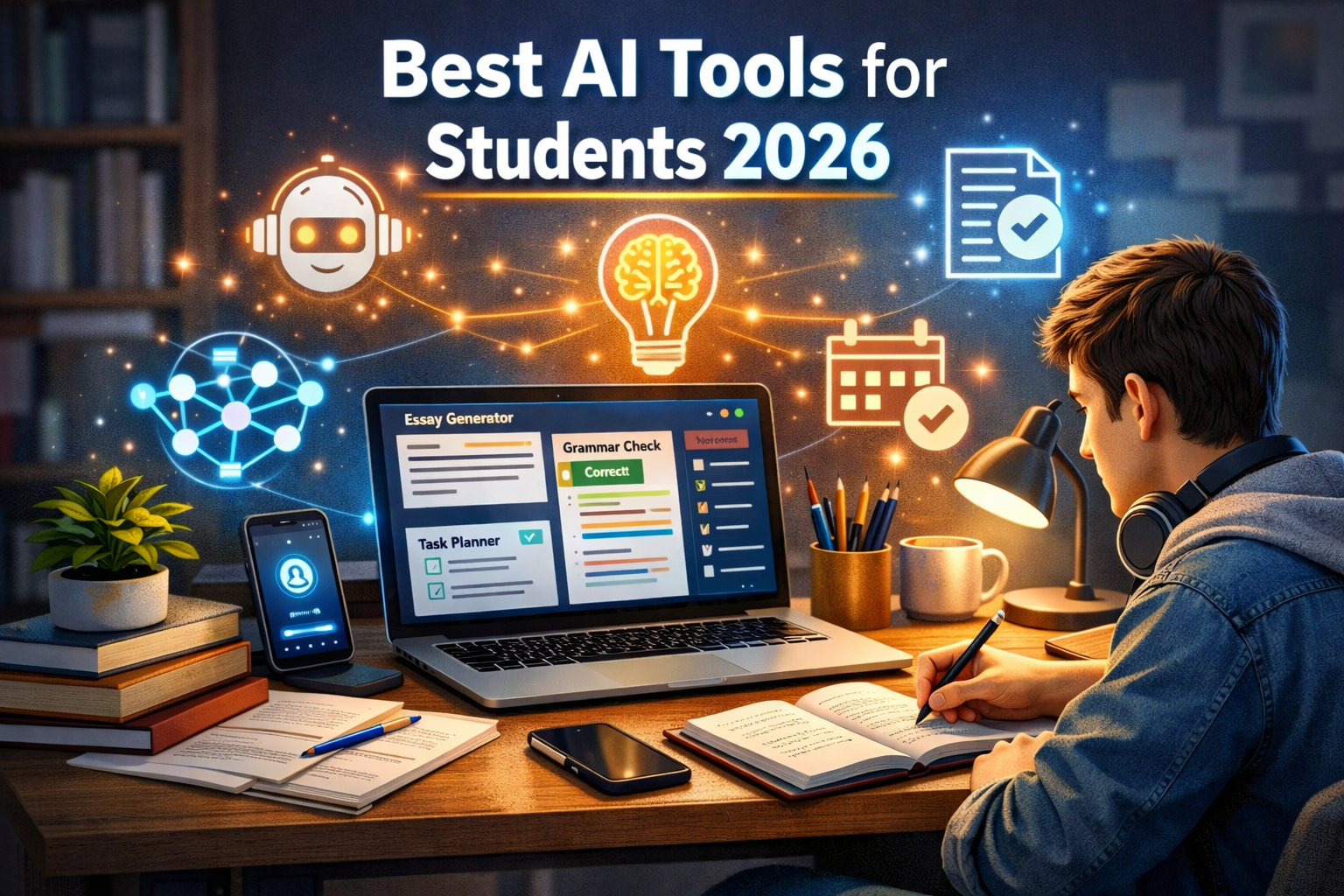
Let’s be honest—studying in 2026 isn’t what it used to be. Between assignments, deadlines, and constant distractions, it can feel overwhelming. That’s where the best AI tools for students 2026 come in.
These tools don’t just save time—they actually help you learn better. And in my experience writing about AI productivity tools, I’ve personally tested many of these, and some genuinely feel like having a smart study partner.
🔹 Quick Summary
- AI tools can boost productivity, writing, and learning speed
- The best AI tools for students 2026 include writing assistants, research tools, and study planners
- Used correctly, they enhance learning without replacing effort
Why Students Need AI Tools in 2026
Education is evolving fast. According to reports from organizations like Gartner, AI adoption in education is growing rapidly—and for good reason.
Here’s why students are turning to AI:
- Faster research and summaries
- Better writing and grammar
- Smart study planning
- Personalized learning experiences
However, AI isn’t magic. You still need to think, analyze, and learn. These tools simply make the process smoother.
Best AI Tools for Students 2026 (Top Picks)
Let’s dive into the tools that are actually worth your time.
1. ChatGPT – Your AI Study Assistant
If you use just one tool, make it this.
What it does:
- Explains complex topics in simple terms
- Generates essays, notes, and summaries
- Helps with coding, math, and brainstorming
Why students love it:
It feels like having a tutor available 24/7.
My take:
Honestly, I use it daily. Whether it’s breaking down tough concepts or drafting outlines, it saves hours.
2. Grammarly – Writing & Grammar Perfection
Writing matters—whether it’s essays or emails.
Key features:
- Grammar and spelling correction
- Tone and clarity suggestions
- Plagiarism checker
Best for:
Students who struggle with writing or want polished assignments.
3. Notion AI – Smart Note-Taking
If your notes are messy, this tool will change your life.
What it offers:
- AI-generated summaries
- Organized notes and databases
- Task and study planning
Pro tip:
Use it to create a study dashboard for all subjects.
4. QuillBot – Paraphrasing Made Easy
Struggling to rewrite content? This tool helps.
Features:
- Paraphrasing sentences
- Summarizing long texts
- Grammar checking
Important note:
Use it to learn, not just copy-paste.
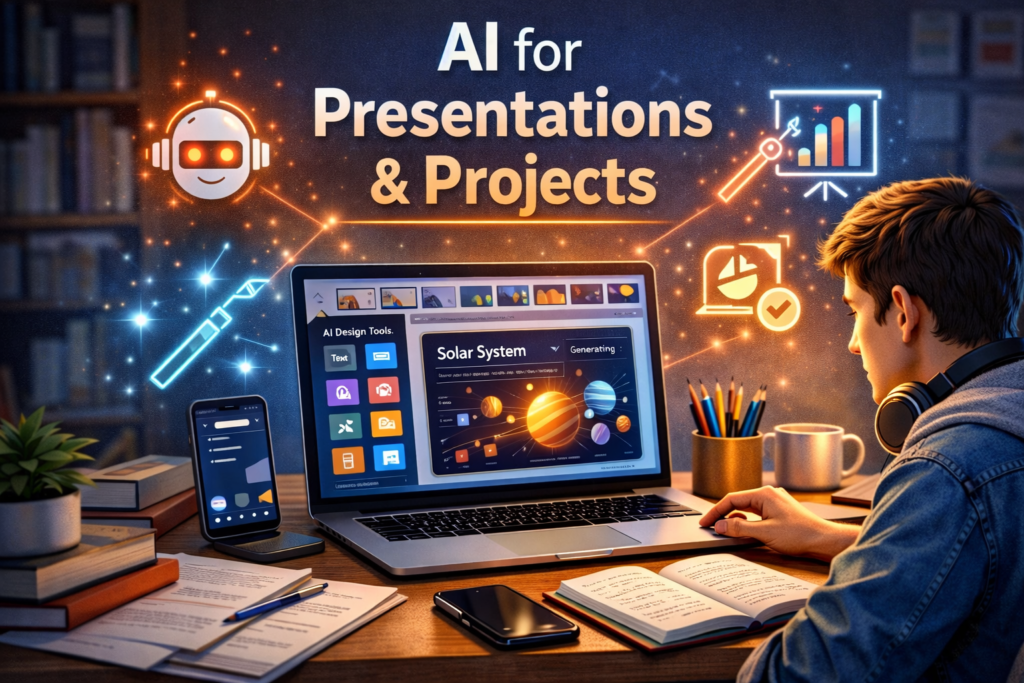
5. Canva – AI for Presentations & Projects
Presentations don’t have to be boring anymore.
What you can do:
- Create slides instantly
- Generate designs with AI
- Add visuals and infographics
6. Google Docs (with AI features)
Still a classic—but smarter now.
AI features include:
- Smart writing suggestions
- Voice typing
- Real-time collaboration
Best part:
It’s simple and widely used in schools.
7. Khan Academy (AI Tutor)
Learning tough subjects? This helps.
What it offers:
- AI-powered tutoring
- Practice exercises
- Step-by-step explanations
Great for:
Math, science, and foundational subjects.
How to Choose the Right AI Tool
Not every tool is right for everyone. Here’s how to pick.
🔸 Identify Your Needs
Ask yourself:
- Do I need help with writing?
- Am I struggling with time management?
- Do I need better understanding of concepts?
🔸 Start Small
Don’t try all tools at once. Start with:
- One writing tool
- One study tool
- One productivity tool
🔸 Avoid Overdependence
This is important.
AI should help you learn—not replace your thinking. According to educators, over-reliance can reduce critical thinking skills.
Benefits of Using AI Tools for Students
Let’s look at what you actually gain.
✔ Improved Productivity
You finish tasks faster and more efficiently.
✔ Better Learning
AI explains things in simple ways—like a friend would.
✔ Time Management
You can plan your study schedule effectively.
✔ Reduced Stress
Less overwhelm, more clarity.
Challenges & Limitations of AI Tools
No tool is perfect. Here’s the honest side.
⚠ Accuracy Issues
Sometimes AI gives wrong information. Always double-check.
⚠ Dependency Risk
Too much reliance can hurt your learning.
⚠ Privacy Concerns
Be careful with sensitive data.
In my view:
Use AI as a helper, not a shortcut. That’s the sweet spot.
Tips to Use AI Tools Effectively
Here’s what actually works (from real use):
- Ask clear questions – better input = better output
- Cross-check answers – don’t trust blindly
- Use multiple tools – combine strengths
- Practice what you learn – don’t just read
A small trick I use:
I ask AI to explain a concept twice—once simply, once in detail. It works surprisingly well.
Best Productivity Apps for Students (2026)
🔹 1. Notion – All-in-One Study Hub
If you want one app to manage your entire academic life, this is it.
Best for: Notes, tasks, planning, dashboards
Why it stands out:
- Combines notes + to-do lists + databases
- Custom study templates
- AI-powered writing & summaries
👉 Many students use it as a “second brain” to organize everything in one place.
🔹 2. Todoist – Task & Deadline Manager
Simple, clean, and powerful.
Best for: Assignment tracking
Key features:
- Priority-based task lists
- Recurring deadlines
- Smart reminders
👉 Great for busy semesters—you won’t miss deadlines again.
🔹 3. Google Calendar – Time Management Master
Still one of the most essential tools.
Best for: Scheduling & time blocking
What it does:
- Plan study sessions
- Set exam reminders
- Sync across devices
👉 Experts recommend pairing it with task apps for maximum productivity.
🔹 4. Microsoft OneNote – Digital Notebook
Perfect if you like structured notes.
Best for: Lecture notes & collaboration
Features:
- Notebook-style organization
- Audio + handwritten notes
- Real-time collaboration
👉 Ideal for group projects and class notes.
🔹 5. TickTick – Tasks + Pomodoro Combo
A powerful all-in-one productivity tool.
Best for: Focus + task management
Key features:
- Built-in Pomodoro timer
- Habit tracking
- Calendar integration
👉 Combines multiple tools into one—less app switching.
🔹 6. Forest – Beat Distractions
Struggle with phone distractions? Try this.
Best for: Focus & deep work
How it works:
- Grow a virtual tree while studying
- Leave the app = tree dies
👉 Fun, simple, and surprisingly effective for concentration.
🔹 7. Quizlet – Smart Study & Revision
Perfect for exam prep.
Best for: Flashcards & memory
Features:
- AI-generated quizzes
- Spaced repetition learning
- Practice tests
👉 Proven to improve retention through active recall.
🔹 8. NoteGPT – AI Study Assistant
A rising favorite in 2026.
Best for: AI-powered summaries
What it does:
- Converts lectures into notes
- Generates flashcards
- Summarizes PDFs & videos
👉 Saves hours of revision time.
1. Evidence-Based Study Methods
evidence-based study methods
Learn proven techniques from
Harvard University
👉 https://learningcenter.harvard.edu/how-to-study
2. AI in Education Trends
AI in education trends
Explore latest insights from
EdTech Magazine
👉 https://edtechmagazine.com
3. AI Research & Reports
: AI adoption trends in education
See industry reports by
Gartner
👉 https://www.gartner.com/en/information-technology
🧠 How to Choose the Right Productivity Apps
Not every app is for everyone. Here’s a simple way to decide:
✔ If you want everything in one place
→ Use Notion
✔ If you miss deadlines
→ Use Todoist + Google Calendar
✔ If you get distracted easily
→ Use Forest or TickTick
✔ If you struggle with studying
→ Use Quizlet + NoteGPT
⚡ Pro Tip: Use a “Productivity Stack”
Experts suggest using 2–3 apps together instead of 10 apps at once.
Example setup:
- Google Calendar → planning
- Todoist → tasks
- Notion → notes
Simple. Effective. No overwhelm.
💬 What Students Are Actually Using (Real Insight)
From student discussions on Reddit:
“Notion is still the backbone… Todoist keeps things simple.”
“Forest helps me stay focused… Notion for everything else.”
👉 This shows that simple tools often work better than complicated setups.
FAQ: Best AI Tools for Students 2026
1. What is the best AI tool for students in 2026?
It depends on your needs, but ChatGPT is one of the most versatile tools for studying, writing, and research.
2. Are AI tools safe for students?
Yes, but you should avoid sharing personal or sensitive information.
3. Can AI tools replace studying?
No. They support learning but don’t replace effort or understanding.
4. Are there free AI tools for students?
Yes. Many tools like Grammarly and Google Docs offer free versions.
5. How do AI tools help in exams?
They help with preparation—summaries, practice questions, and explanations—but not during exams.
Conclusion: Best AI Tools for Students 2026
So, what’s the bottom line?
The best AI tools for students 2026 can genuinely transform how you study, write, and manage your time. But the real power comes from how you use them.
Use them wisely, stay curious, and don’t skip the hard thinking—that’s where real learning happens.
👉 Now it’s your turn:
Which AI tool are you excited to try? Drop a comment, share this post with your friends, and let’s make studying smarter together!


