
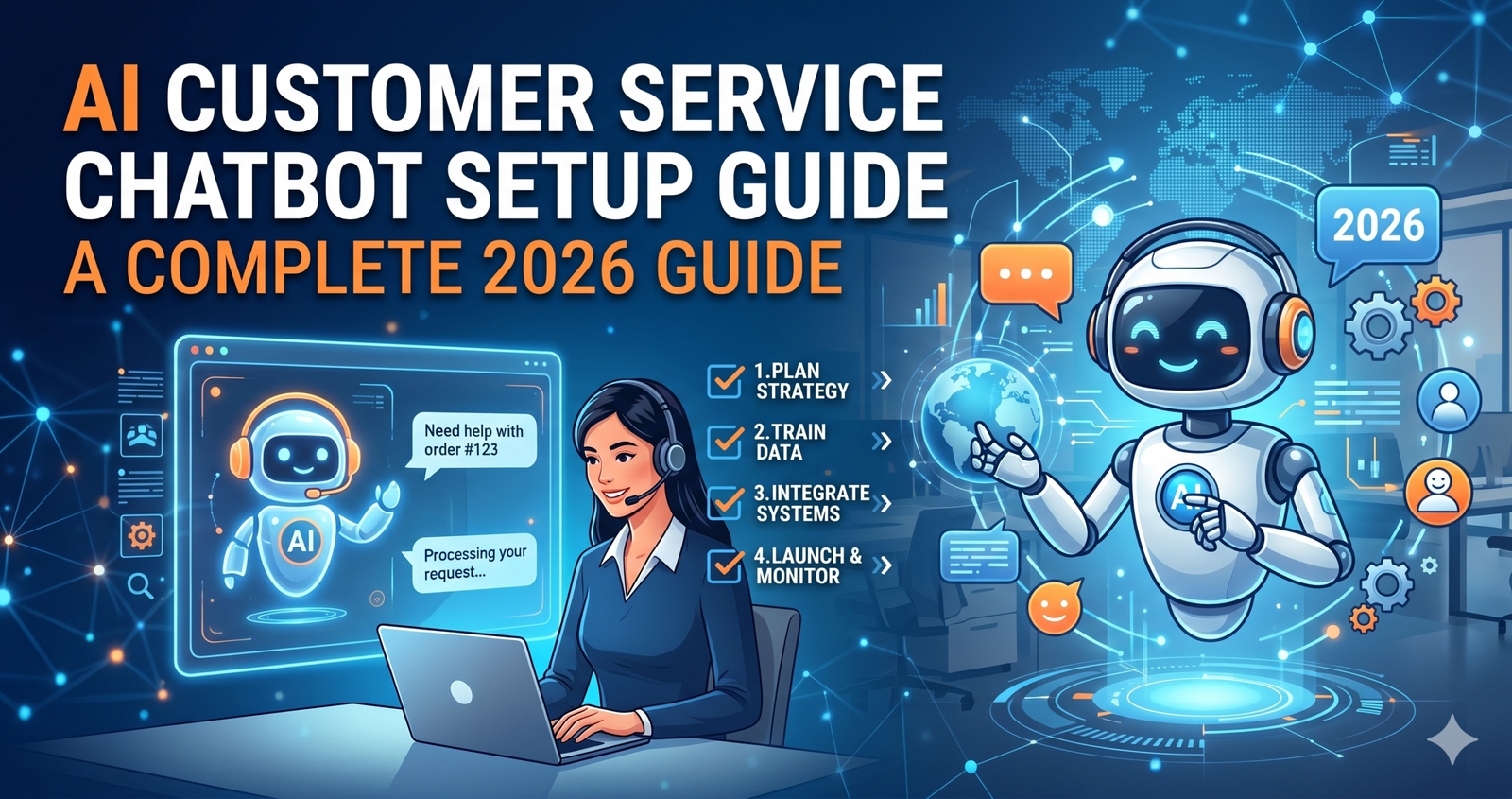
AI Customer Service Chatbot Setup Guide: Master Your Support Automation
Ever feel like you’re drowning in the same five questions from customers every single day? “Where is my order?” or “How do I reset my password?” can really drain your team’s energy. I’ve been there. In my experience writing about customer experience tech, I’ve seen businesses transform from chaotic to calm just by implementing the right automation.
This AI customer service chatbot setup guide is designed to take the mystery out of the process. We aren’t just talking about those annoying “choose a button” bots from ten years ago. We’re talking about smart, generative AI that actually understands what your customers need.
Key Takeaways:
- Define your goals: Know exactly what problems you want the bot to solve before buying software.
- Data is king: Your chatbot is only as smart as the knowledge base you give it.
- Human-in-the-loop: Always provide a clear “escape hatch” to a real person.
Why You Need an AI Chatbot Strategy Right Now
AI customer service chatbot setup guide-The world has changed. Customers don’t want to wait 24 hours for an email response. They want answers now. According to recent industry reports, over 60% of customers prefer automated self-service for simple tasks.
Implementing an AI customer service chatbot setup guide isn’t just about saving money on staff. It’s about being available when you’re sleeping. I remember working with a small e-commerce brand that stayed up until 2 AM answering Instagram DMs. Once we set up their AI bot, their response time dropped to seconds, and their sales actually went up because customers didn’t lose interest while waiting.
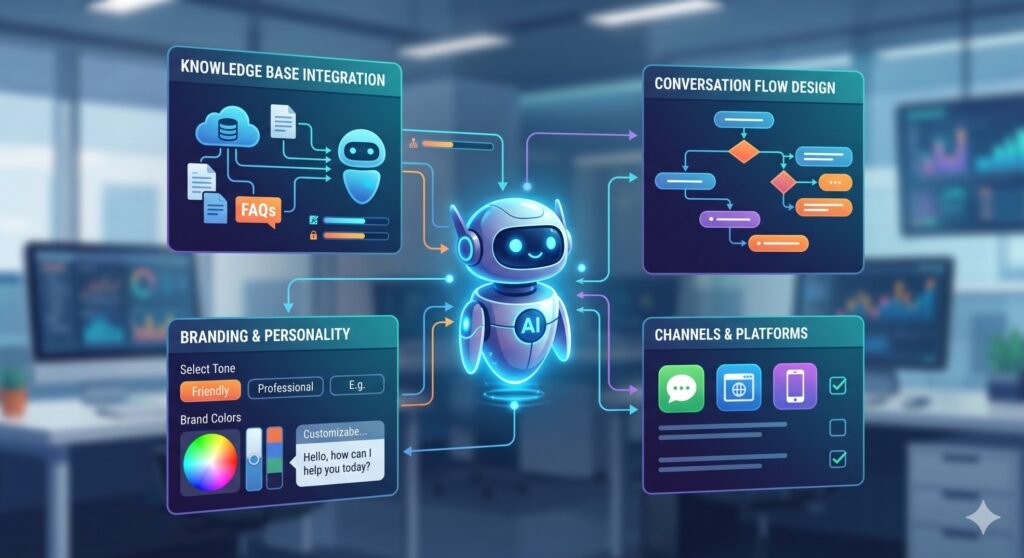
Step 1: Choosing the Right Platform for Your Needs
Not all AI bots are created equal. You need to decide between a “no-code” platform and a custom-built solution.
No-Code Platforms
These are great for small to medium businesses. Platforms like Intercom, Zendesk, or even newer GPT-based wrappers allow you to drag and drop your way to success. They’re user-friendly and usually come with built-in analytics.
Custom API Solutions
If you have a complex product, you might want to use something like the OpenAI API or Anthropic’s Claude. This requires a developer but gives you total control over the “personality” and logic of the bot.
Step 2: Training Your Bot with a Strong Knowledge Base
AI customer service chatbot setup guide-This is the most important part of the AI customer service chatbot setup guide. Think of your AI as a new intern. If you don’t give them a handbook, they’re going to make mistakes.
To train your bot effectively, you should:
- Export your FAQs: Gather every common question you’ve ever received.
- Upload Documentation: Use your help center articles, PDF manuals, and even past chat transcripts.
- Clean the Data: Ensure there’s no outdated information. If your return policy changed in 2025, delete the 2024 version!
In my view, people often overcomplicate the “tech” but under-deliver on the “content.” A bot is only as good as its library.
Step 3: Setting the Tone and Personality
Nobody likes talking to a cold, robotic machine. However, don’t try to trick people into thinking the bot is a human named “Karen.” That usually backfires and breeds distrust.
- Be Transparent: Start the chat with, “Hi! I’m your AI assistant. How can I help?”
- Match Your Brand: If you’re a fun Gen-Z clothing brand, use emojis. If you’re a law firm, keep it professional and concise.
- Use Relatable Analogies: If the bot explains a technical issue, have it use simple comparisons to help the customer understand.
Step 4: Building the “Escape Hatch” (Human Handoff)
Nothing is more frustrating than a bot that gets stuck in a loop. You’ve likely experienced it—you keep typing “TALK TO AGENT” and the bot says, “I’m sorry, I didn’t get that.”
To build trust, you must have a seamless handoff.
- Trigger Words: Program the bot to hand over the chat if it hears words like “angry,” “frustrated,” or “legal.”
- Sentiment Analysis: Modern AI can detect if a customer is getting upset.
- Context Transfer: Ensure that when the human takes over, they can see the entire chat history. There is nothing worse than having to repeat your story three times.
[EXTERNAL LINK SUGGESTION: “Zendesk’s report on AI in Customer Experience”]
Step 5: Testing and Iteration
You wouldn’t launch a website without checking the links, right? The same applies here. Before going live, run a “Beta” period.
I once helped a friend set up a bot for his landscaping business. We thought we covered everything, but we forgot to tell the bot how to handle “emergency” tree removals. During testing, the bot told a customer with a fallen tree to “wait 3-5 business days for a quote.” We caught it because we were testing!
How to Test Your Bot
- Roleplay: Have your team try to “break” the bot with weird questions.
- Edge Cases: Ask about things that rarely happen to see how it reacts.
- Review Logs: Look at the “I don’t know” answers and update your knowledge base accordingly.
Step 6: Analyzing Success Metrics
Once the bot is live, you aren’t done. You need to track if it’s actually helping. Therefore, keep an eye on these specific numbers:
- Deflection Rate: How many conversations did the bot finish without needing a human?
- CSAT (Customer Satisfaction): Do people actually like the bot’s answers?
- Resolution Time: Is the bot actually making things faster?
Moreover, remember that AI improves over time. As it interacts with more people, you’ll see patterns in what it’s missing.
Common Mistakes to Avoid
In my experience, the biggest mistake is “setting and forgetting.” AI is dynamic. If your shipping prices go up, you have to tell the bot immediately.
Another pitfall is giving the bot too much “creative freedom.” In the world of Large Language Models (LLMs), we call this “hallucination.” This is where the bot makes up a fact just to be helpful. To prevent this, always use a “grounded” AI setup where the bot is strictly forbidden from answering questions using info outside of your provided documents.
FAQ Section
1. How much does it cost to set up an AI chatbot?
It varies wildly! You can start for as little as $50/month with simple platforms, while enterprise-grade solutions can cost thousands. Always look for a tool that scales with your ticket volume.
2. Does an AI bot replace human support agents?
Not entirely. It replaces the boring parts of their jobs. This allows your human agents to focus on complex, high-value problems that require empathy and deep problem-solving.
3. Is my customer data safe with AI?
Most reputable AI providers offer SOC2 compliance and data encryption. However, always check the privacy policy to ensure customer data isn’t being used to train the provider’s general models.
4. How long does the setup take?
A basic bot can be up and running in a few hours. A fully integrated system that talks to your CRM (like Salesforce or HubSpot) usually takes 2–4 weeks of refining.
5. Can the bot speak multiple languages?
Yes! Most modern AI models are naturally multilingual. This is one of the biggest “wins” for small businesses looking to go global without hiring 20 translators.
Final Thoughts on Your AI Journey
Building an AI customer service chatbot setup guide is one of the smartest moves you can make for your business in 2026. It’s not about being “techy”—it’s about being helpful. When you remove the friction of waiting, your customers stay loyal, and your team stays sane.
Honestly, I think the “fear” of AI is fading as people realize it’s just a very advanced tool, like a calculator for words. Start small, be honest with your users, and keep refining your data.
What’s the #1 question your customers ask? Let me know in the comments below, and let’s talk about how an AI bot might handle it! Don’t forget to share this guide with your operations team if you found it useful.


